Aero Watch News
Features
Features
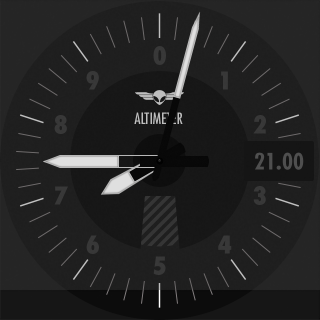
Altimeter
See your GPS or barometric altitude. Set your QNH for a proper barometric altitude reading.
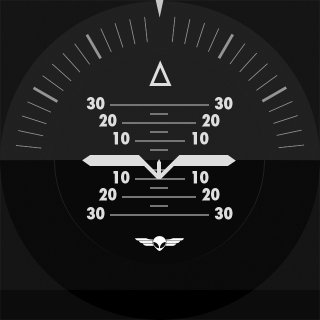
Attitude Indicator
See your aircraft attitude. (Requires and iLevil AHRS)
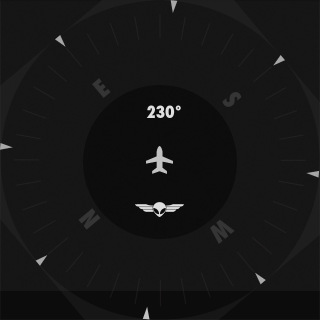
Heading Indicator
See your GPS track, magnetic or true heading.
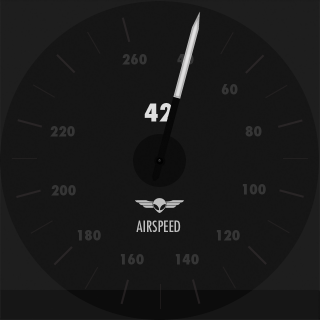
Speed Indicator
See your GPS-based ground speed or Indicated Airspeed. (Airspeed requires an iLevil HW.)
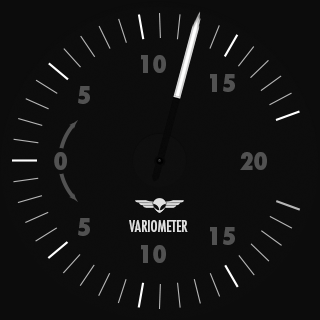
Vertical Speed Indicator
See your vertical speed based on GPS or barometric altitude change.
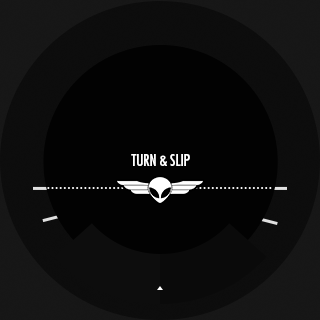
Turn Coordinator & Slip Indicator
See your turn rate & slip based on your GPS track.
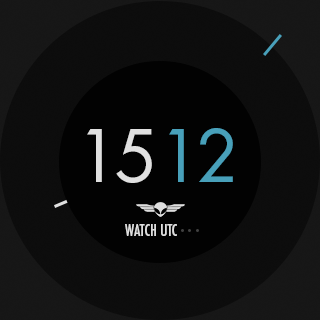
Clock & Stop watch
See local time, UTC & use a convenient stop watch for timing.
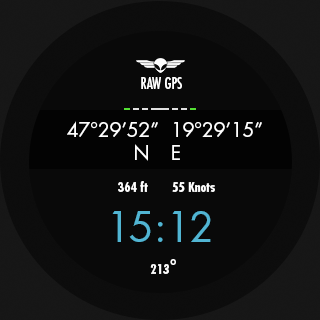
GPS data display
See raw data returned by the GPS: latitude, longitude, elevation, time, number of satellites.
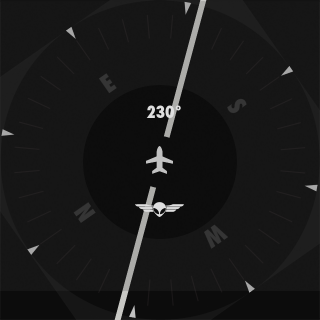
RMI
See the direction of a navaid or airport from your position in an RMI-like instrument, based on GPS data.
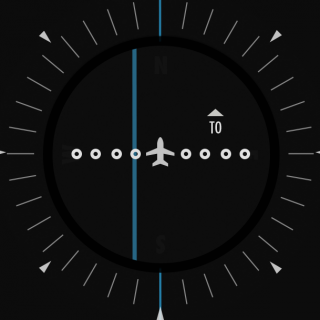
CDI
See if you're on course towards your selected navaid or airport with a Course Deviation Indicator style instrument, based on GPS data.
Altimeter
See your GPS or barometric altitude. Set your QNH for a proper barometric altitude reading.
Attitude Indicator
See your aircraft attitude. (Requires and iLevil AHRS)
Heading Indicator
See your GPS track, magnetic or true heading.
Speed Indicator
See your GPS-based ground speed or Indicated Airspeed. (Airspeed requires an iLevil HW.)
Vertical Speed Indicator
See your vertical speed based on GPS or barometric altitude change.
Turn Coordinator & Slip Indicator
See your turn rate & slip based on your GPS track.
Clock & Stop watch
See local time, UTC & use a convenient stop watch for timing.
GPS data display
See raw data returned by the GPS: latitude, longitude, elevation, time, number of satellites.
RMI
See the direction of a navaid or airport from your position in an RMI-like instrument, based on GPS data.
CDI
See if you're on course towards your selected navaid or airport with a Course Deviation Indicator style instrument, based on GPS data.

How do we input numbers and text?
To enter a waypoint, enter the navaid or airport designator letter by letter. Touch the watch surface and move your finger in a circular pattern. See the actual selection in the center of the watch display. When satisfied, lift your finger and start to set the next letter. When a waypoint is found, details will be shown in the center of the display as well. To backtrack to setting previous letters, swipe to the left.